Follow these steps to register for Voyent Alert! notifications:
- Click on this link to register for Voyent Alert!
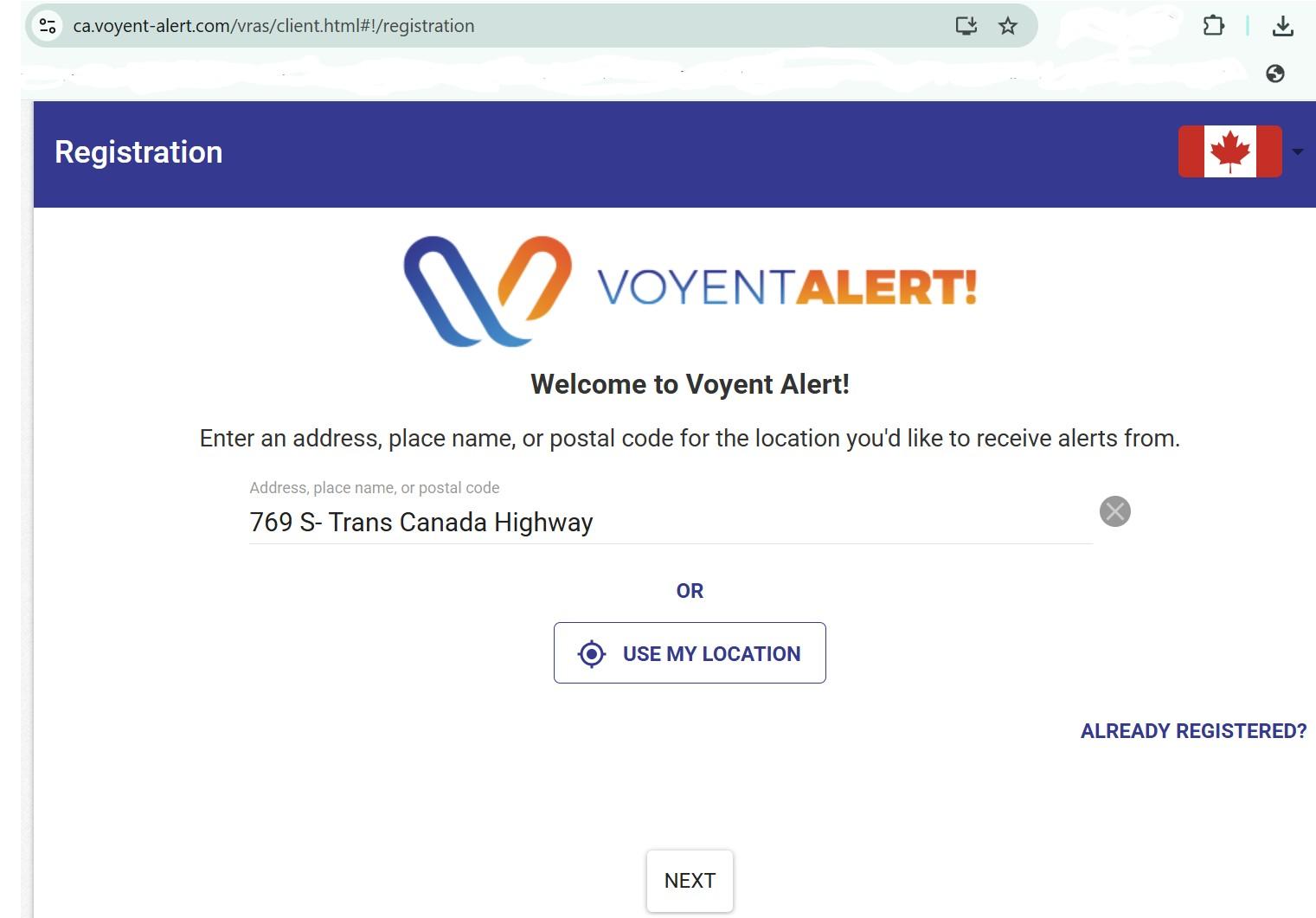
2. Enter the address of your home or workplace or click on "Use my location".
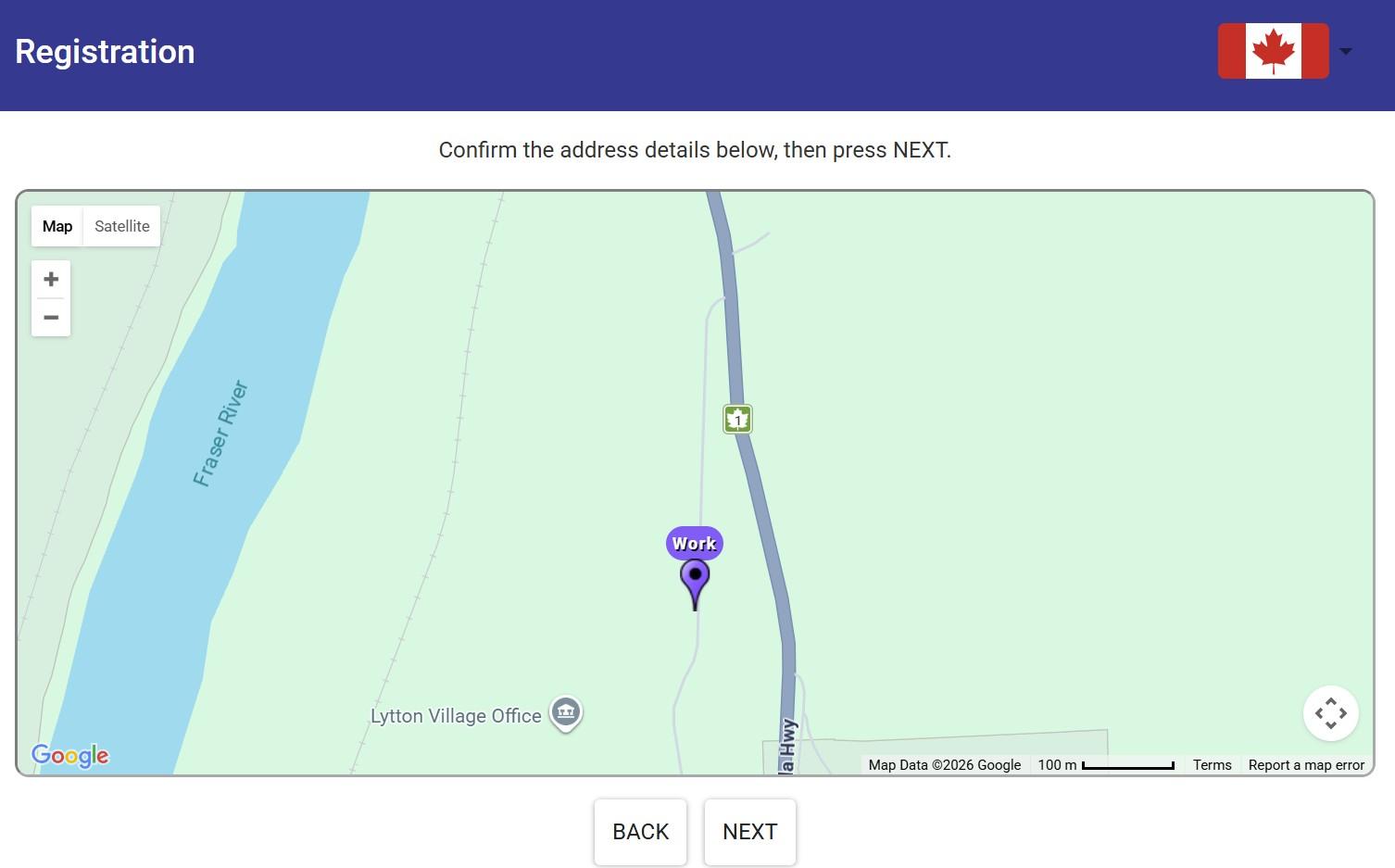
3. Confirm the address. You can label it as "Home" or "Work".
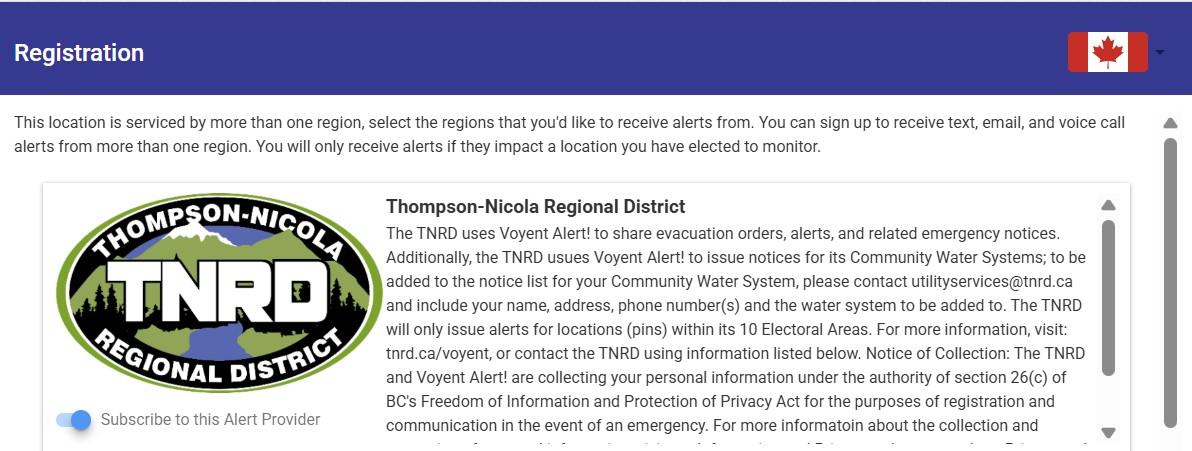
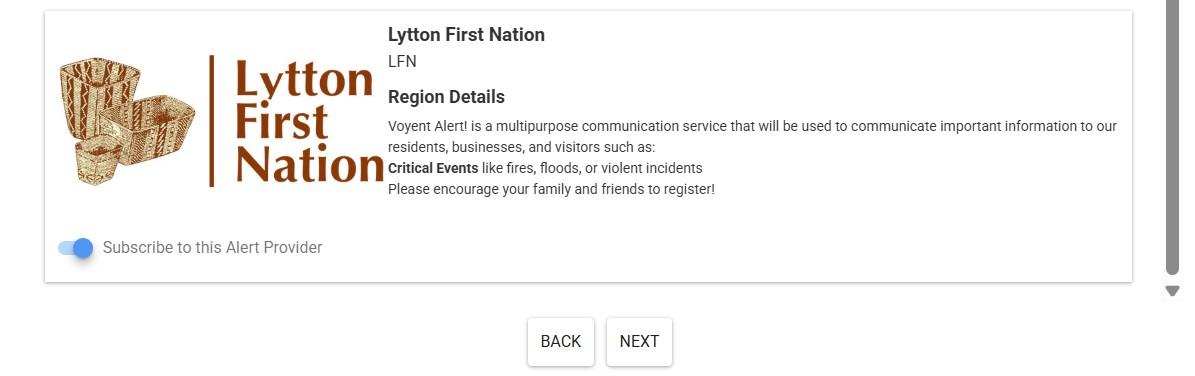
4. Choose if you would like to receive alerts from the Thompson–Nicola Regional District or Lytton First Nation or both regions.
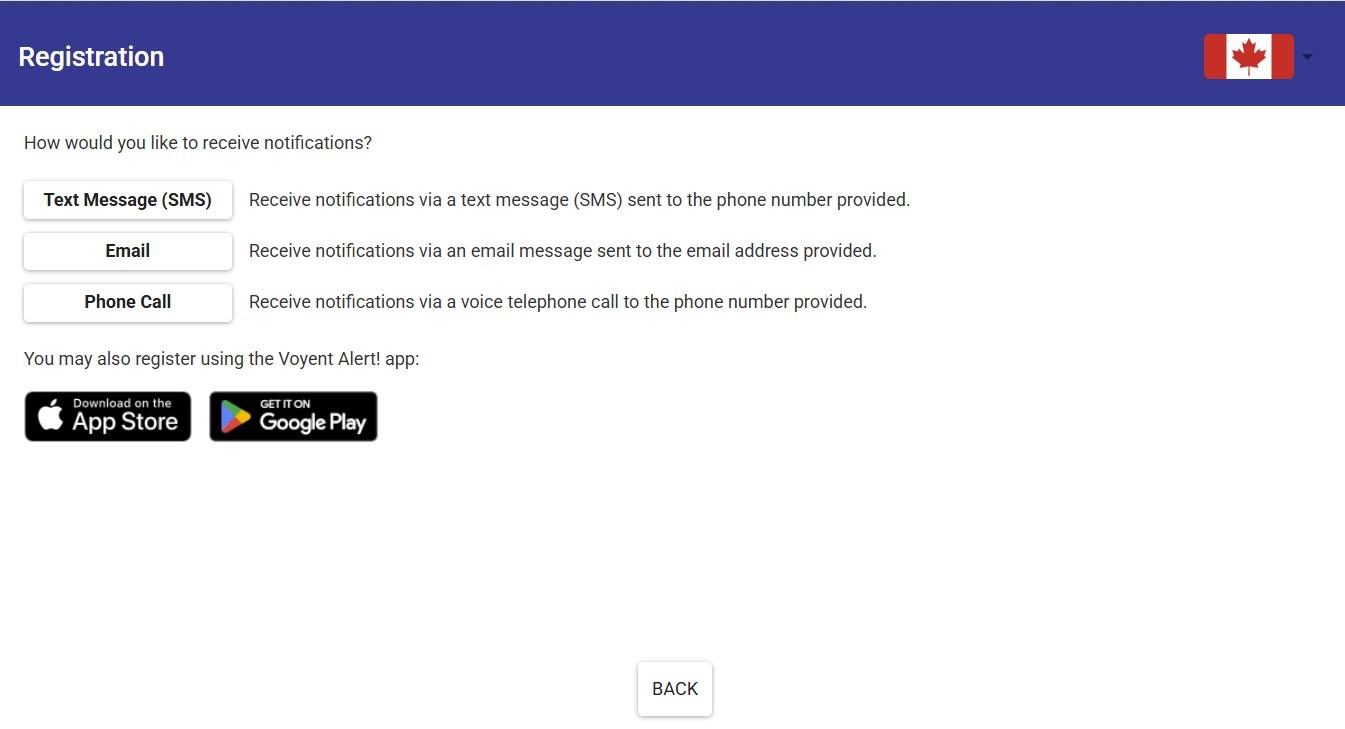
5. Choose if you would like to receive alerts by text message (SMS), email, phone call, or all of the above.
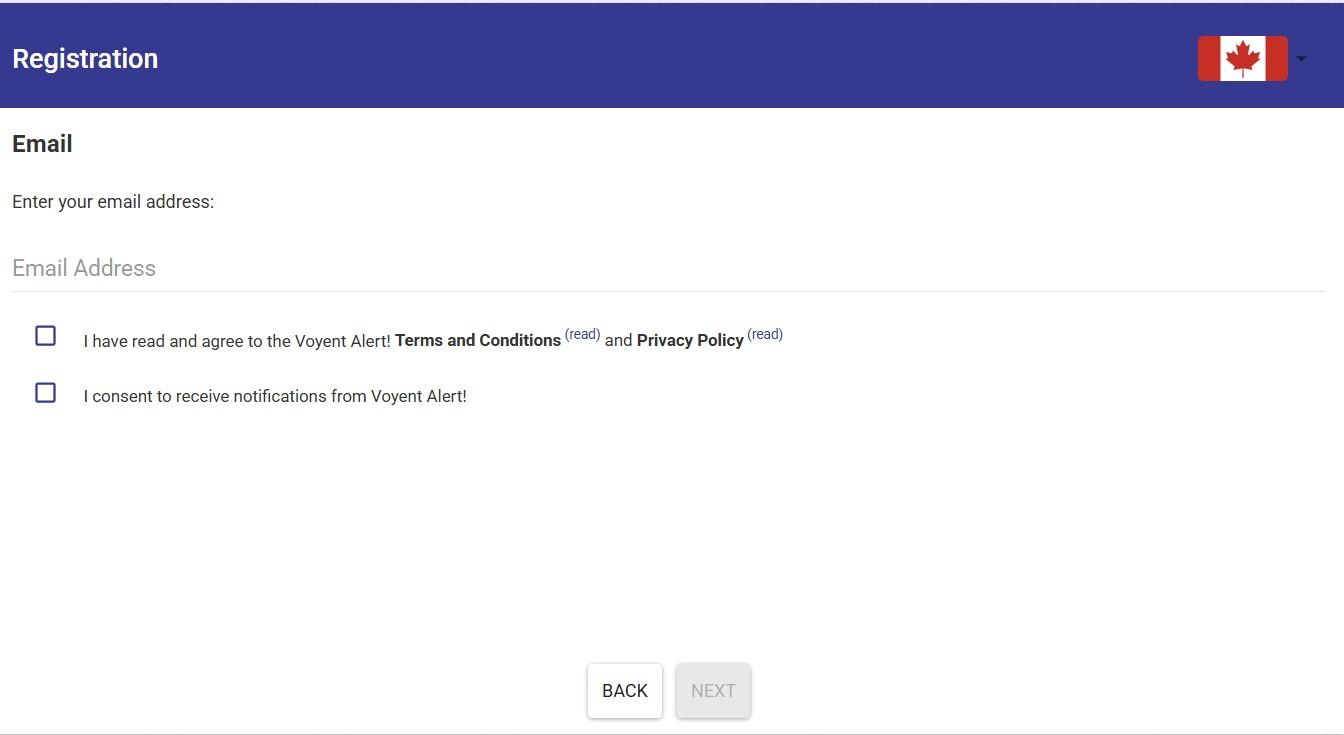
6. Confirm details. Check your agreement for the Terms and Conditions and Privacy Policy. Check your consent to receive notifications from Voyant Alert!
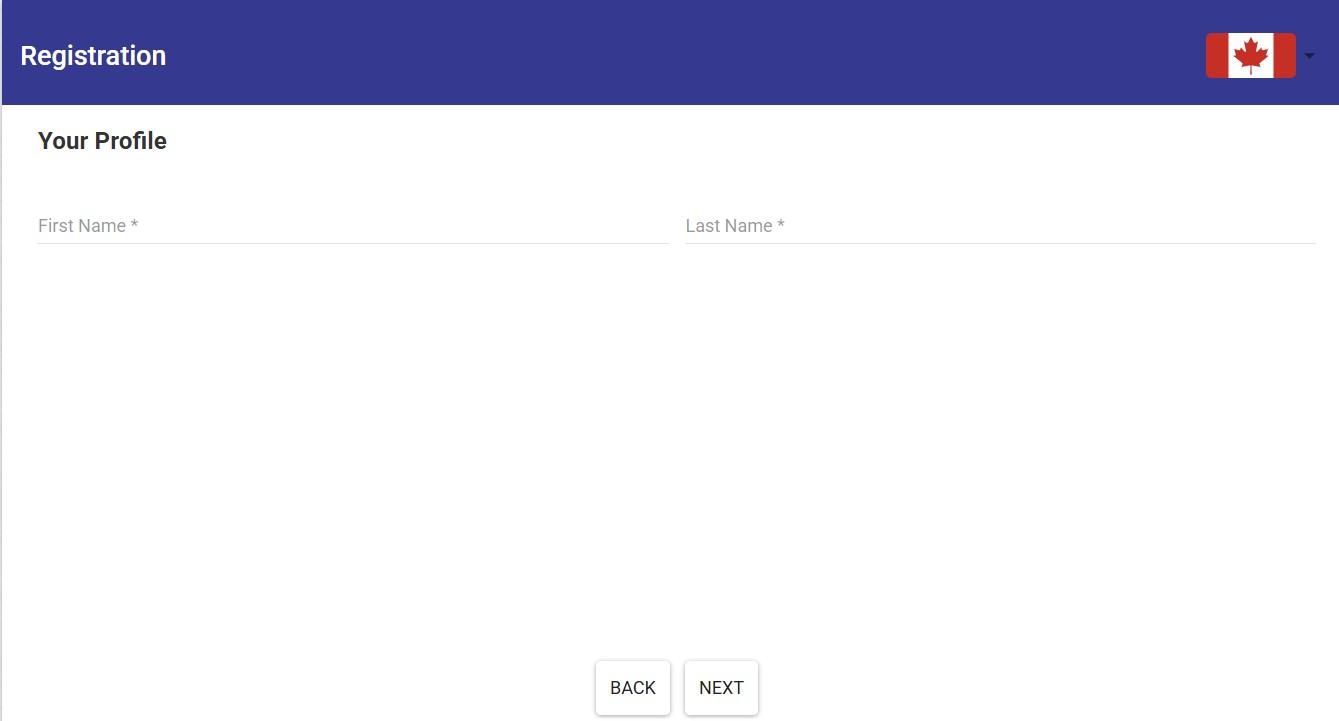
7. Type your first name and last name for your profile.
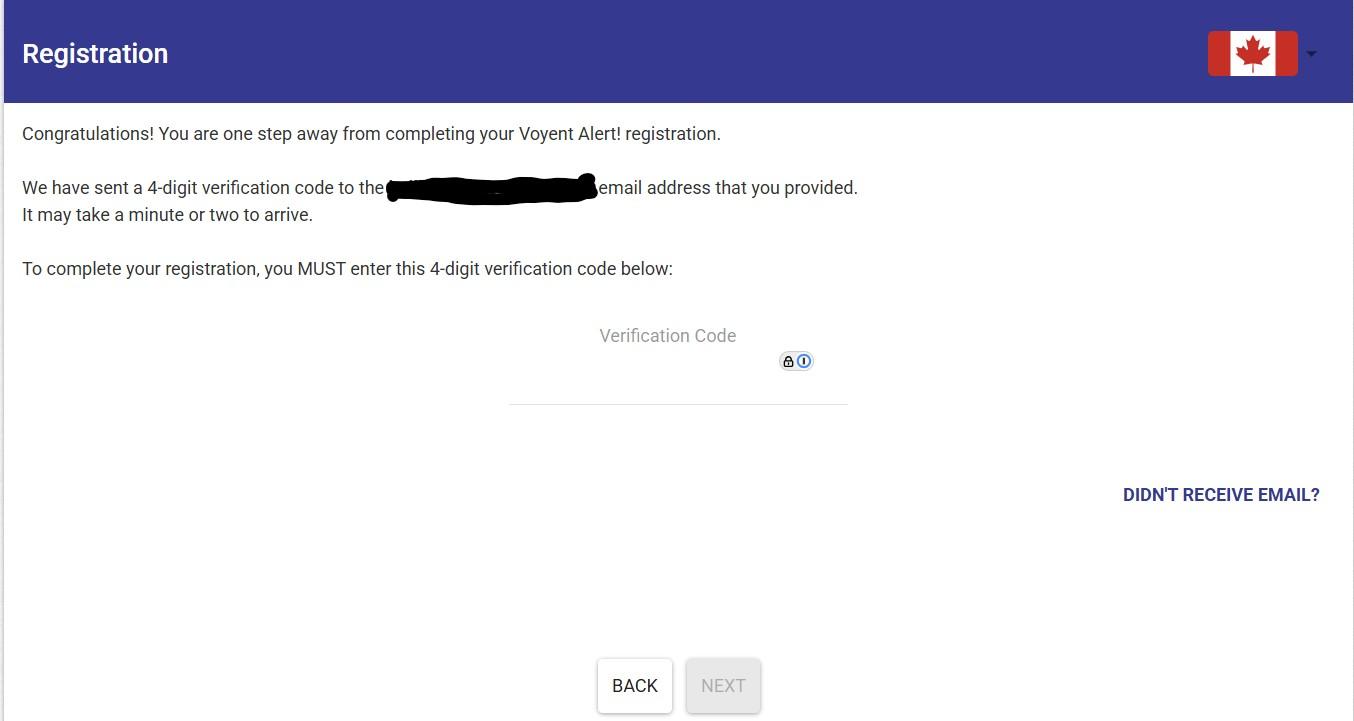
8. Complete your registration by entering the verification code sent to your cell phone number or the email address that you provided.